Data migration is a critical process for enterprises moving data between servers, storage systems, cloud platforms, or data centers. Whether you’re upgrading infrastructure, consolidating storage, or migrating to the cloud, choosing the right approach—and following best practices—is essential to ensure speed, security, and data integrity. Enterprise file copy software plays a key role in making large-scale data migrations reliable and efficient.
In this blog, we’ll explore the best practices for successful data migration using enterprise file copy software.
1. Plan Your Data Migration Strategy in Advance
Before starting any migration, clearly define your objectives and scope. Identify what data needs to be moved, where it’s coming from, and where it’s going.
Best practices include:
Auditing files, folders, and data types
Identifying sensitive or compliance-regulated data
Setting timelines and downtime windows
Defining success criteria and rollback plans
A well-planned strategy minimizes surprises and ensures smoother execution.
2. Choose the Right Enterprise File Copy Software
Not all file transfer tools are designed for enterprise-scale data migration. Basic utilities may struggle with large datasets, network interruptions, or security requirements.
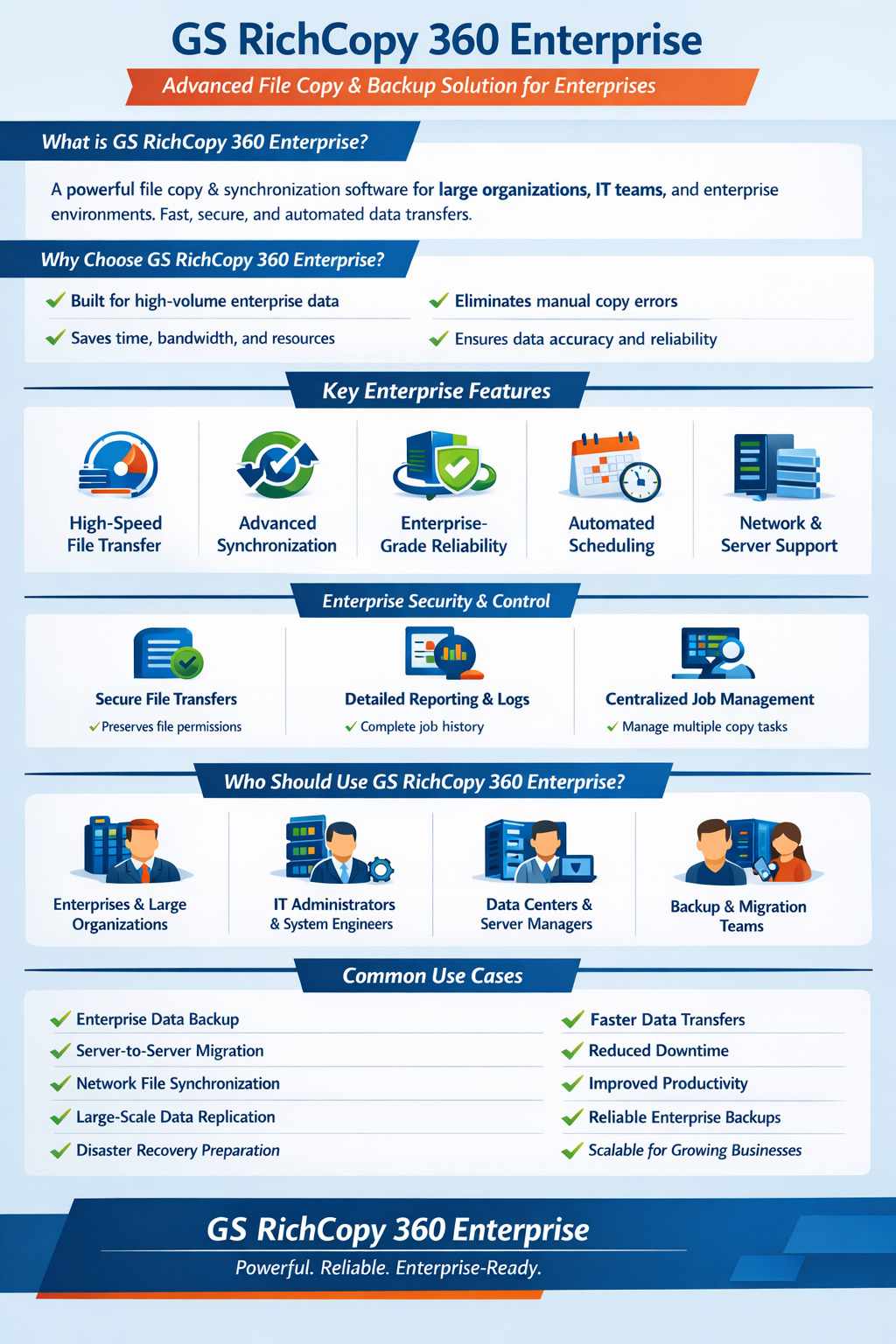
Look for enterprise file copy software that offers:
High-speed, multi-threaded transfers
Robust error handling and automatic retries
Secure data transfer with encryption
Detailed logging and reporting
Support for large files and complex directory structures
The right software dramatically reduces migration time and risk.
3. Test with a Pilot Migration
Always perform a pilot migration before executing the full data transfer. This helps identify performance bottlenecks, permission issues, or compatibility problems.
Pilot testing helps you:
Validate transfer speed and accuracy
Check file permissions and metadata retention
Ensure application compatibility post-migration
Fine-tune configurations for optimal performance
A small test run can prevent costly errors later.
4. Ensure Data Integrity and Accuracy
Maintaining data integrity is one of the most important aspects of data migration. Enterprise file copy software should support checksum verification or file comparison to ensure data accuracy.
Recommended practices:
Use checksum or hash verification
Compare source and destination file sizes
Validate timestamps, permissions, and ownership
Review migration logs for failed or skipped files
These checks ensure that migrated data is complete and uncorrupted.
5. Optimize Performance for Large Data Volumes
Enterprise migrations often involve terabytes or petabytes of data. Optimizing performance is critical to meet deadlines.
Performance optimization tips:
Use multi-threaded or parallel copy features
Schedule migrations during off-peak hours
Limit bandwidth usage to avoid network congestion
Break large migrations into manageable phases
Enterprise file copy tools are designed to maximize throughput while maintaining stability.
6. Prioritize Security and Compliance
Data migration often involves sensitive business information. Security should never be an afterthought.
Best security practices include:
Encrypting data during transfer
Using secure authentication and access controls
Restricting migration access to authorized users
Maintaining detailed audit logs for compliance
Enterprise file copy software helps organizations meet regulatory requirements such as GDPR, HIPAA, or ISO standards.
7. Automate and Monitor the Migration Process
Automation reduces manual effort and human error. Many enterprise file copy solutions offer scripting, scheduling, and real-time monitoring.
Benefits of automation:
Consistent and repeatable migration processes
Faster execution with minimal supervision
Immediate alerts for failures or interruptions
Easy restart from the point of failure
Monitoring ensures visibility and control throughout the migration lifecycle.
8. Validate and Clean Up After Migration
Once migration is complete, perform a final validation to confirm everything has transferred correctly.
Post-migration steps:
Run integrity checks and audits
Verify application functionality
Remove duplicate or obsolete data
Decommission old storage or servers securely
This step ensures a clean and optimized environment after migration.
Conclusion
Successful data migration requires careful planning, the right tools, and proven best practices. Enterprise file copy software simplifies the process by delivering speed, reliability, security, and visibility—making it ideal for large-scale and mission-critical migrations.


Write a comment ...